


A basic website may take days or a few weeks, while a larger business site or online store can take several weeks to months. The schedule depends on what you're building, how prepared you are, and how quickly decisions get made.
Your first version matters more than your full wish list. A focused site with approved content has fewer moving parts than one that needs custom features, new branding, and several approval rounds.
Start with the ranges below, then build your schedule around the work your website needs.
How long does it take to build a website? Typical timelines by type
These are planning ranges, not delivery promises. They assume you're working toward a defined launch, with advanced features added later when needed.
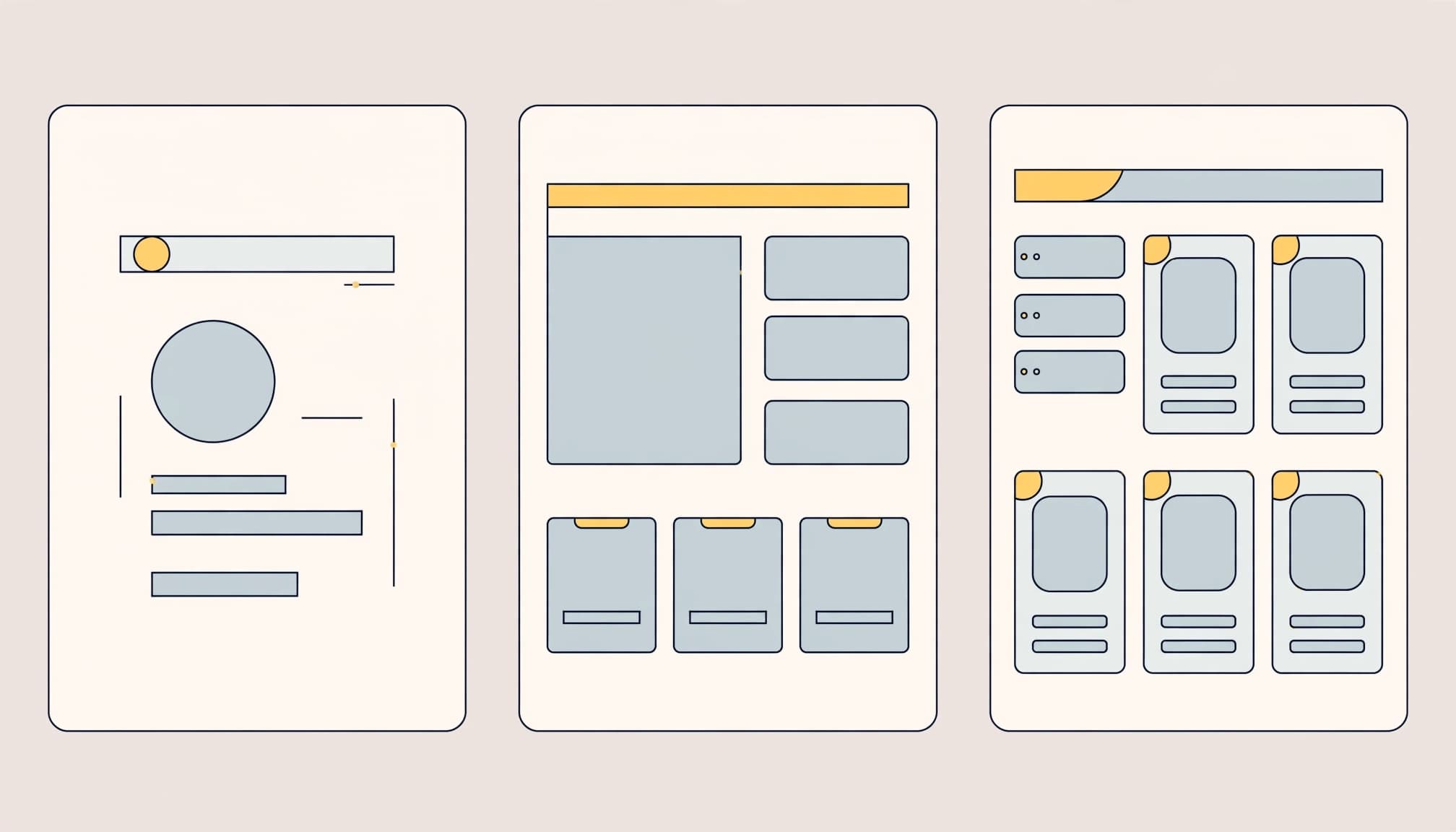
A simple website can take a few days to three weeks
A small website can move quickly when the structure is straightforward and your materials are ready. This usually means a handful of pages, an existing template, and limited functionality.
A personal brand website might need a home page, an about page, a services page, and a contact form. With approved text and images, most of the work involves arranging content and adjusting the design.
Custom layouts, unfinished copy, or a new visual identity extend that schedule. The page count may stay small while the work grows.
A business website often takes three to eight weeks
A company website usually needs more coordination. Several service pages, custom branding, contact forms, and basic search engine setup all take time.
The site also needs a clear message. Visitors should understand what you offer, who you help, and what to do next. Writing that message often requires input from the people who know the business.
Review time belongs in the estimate. A designer might finish a layout on Tuesday, but development can still wait until the business approves it.
Online stores and custom sites may take two months or longer
An online store adds operational decisions to the design process. Product information, payments, shipping rules, taxes, and order emails need attention before customers arrive.
Custom sites can also include customer accounts, booking systems, or integrations, which are connections between separate software tools. Each connection adds setup and testing.
A small catalog with standard checkout needs less work than a store with subscriptions and complex shipping. Custom coding can extend the schedule further.
Keep the first release focused. You can launch with essential shopping functions and add more once the core buying experience works.
What can speed up or delay a website project?
What usually moves the launch date? Unfinished decisions. Technical challenges matter, but work also stalls when nobody has approved the content, design, or next step.
Your pages, content, and design choices set the pace
Your page list defines the site's structure. Before design begins, decide which pages you need and what each should help visitors understand or do.
Content needs the same attention. Your home page introduces your value, service pages explain the offer, and testimonials provide evidence. These pieces support different customer decisions, so they shouldn't all repeat the same sales message.
Text length also affects layout. A short headline and a detailed service explanation need different amounts of space. Replacing temporary copy late can force design changes.
Gather your logo, brand colors, photos, and graphics early. Approved materials give the builder something concrete to work with. If photography or graphic design is still needed, include that work in the schedule rather than treating it as a last-minute task.
Features, revisions, and approvals can add weeks
A feature is more than the button visitors see. A booking tool, for example, may need availability settings, confirmation emails, and a connection to your calendar.
Adding that tool after layouts are approved can affect navigation, page structure, and testing. Changes become more expensive in time once other work depends on the original decision.
A late feature request can reopen work you've already approved, even when the request sounds small.
Feedback creates another dependency. When several people send separate comments, the builder has to sort out conflicting instructions before making changes.
Choose one person to collect feedback and resolve disagreements. Give that person clear review dates. You don't need instant decisions, but you do need a predictable way to reach them.
The main stages of building and launching a website
A website moves through planning, production, review, and launch. Some work can overlap, but unfinished decisions in one stage often affect the next.
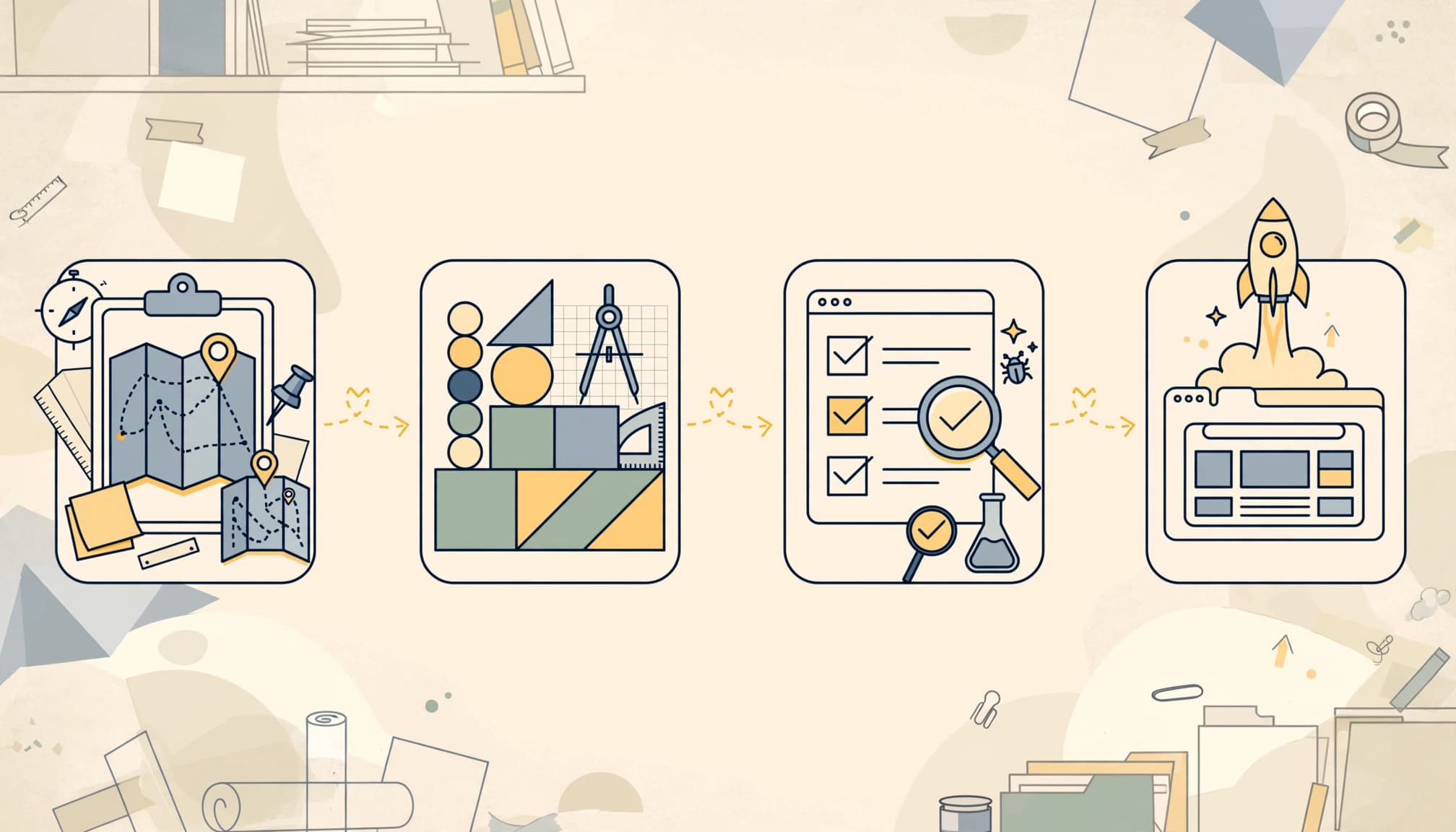
Plan the site, prepare content, and choose your tools
Start with the outcome. Do you want visitors to request a quote, book a call, buy a product, or join your email list? That choice shapes your pages and the features worth building.
Next, create a page list and prepare the content. Choose your domain name, the address people use to reach your site. A short, memorable address makes it easier for people to return.
Then choose how the website will be built. WordPress design tools support themes and blocks, which are reusable pieces for arranging page content. A platform can reduce some manual work, but your message and structure still need decisions.
Custom development uses technologies such as HTML for structure, CSS for appearance, and JavaScript for interactive behavior. MDN's web-development tutorials explain the skills involved. Choosing a tool is one task within the project, not a substitute for planning it.
Build, review, test, and publish the site
During production, the approved structure becomes working pages. The builder applies your visual style, adds content, and connects forms or other required tools.
Review the site against its purpose, not just its appearance. Can visitors find the offer? Is the next step clear? Does the contact form ask only for useful information?
Then test before publishing. MDN's HTML guides cover building elements such as forms and responsive images. Those elements need practical checks on the finished site.
A useful launch sequence keeps the work organized:
- Review pages on phones, tablets, and desktop screens.
- Test navigation, links, forms, and any purchase or booking process.
- Correct broken layouts, missing content, and confusing instructions.
- Connect the domain, publish the site, and repeat essential checks.
Allow time between review and launch for fixes. Also test where form submissions arrive, not just whether the success message appears. A page can look ready while the process behind it still fails.
How to keep your website project on schedule
A reliable schedule comes from clear boundaries and shared responsibilities. More people or more tools won't help much when nobody knows what must be finished first.
Set a clear first version and gather materials early
Define what visitors need on launch day. For a service business, that may mean clear service descriptions, evidence of your work, and a reliable way to contact you.
An online store needs accurate product information and a working checkout before it needs advanced recommendations. Put optional ideas on a separate list so they don't interrupt essential work.
Write down what counts as complete. That definition should include approved pages, working features, mobile layouts, and successful tests. Otherwise, "almost done" can mean something different to everyone involved.
Keep approved text and images in one shared location. Use clear filenames and identify the final versions. This prevents the builder from publishing an old offer or spending time finding the right logo.
Your website can grow with your audience. Treat launch as the start of regular improvement, while giving the first release a clear finish line.
Choose the right help and agree on review dates
A website platform gives you control over the work, but you also own the learning, content entry, and troubleshooting. Templates reduce design decisions without removing them.
A freelancer can provide a focused working relationship. Their availability, skill set, and responsibilities shape the schedule. Design, copywriting, and development may require different people.
A team can handle several disciplines together, but it still needs clear direction and approvals. More contributors also mean more coordination. No option guarantees the fastest launch.
Before work begins, agree on who writes content, supplies images, builds pages, reviews progress, and handles publishing. Set milestones for structure approval, design approval, testing, and launch.
Make feedback concrete. "The contact button is hard to find on mobile" gives the builder a clear problem to solve. "Make it better" leaves the next step open to interpretation.
If you're building the site yourself, reserve time for learning and revisions alongside production. The hours spent understanding a tool still belong in your schedule.
Build a schedule around a focused first version
Website timelines range from days to months because the work varies. Site size, features, content readiness, and review speed all shape the launch date.
Define your first version before choosing a deadline. Keep essential pages and functions in scope, assign responsibilities, and leave room for testing and launch preparation.
A realistic schedule gives you a clear path to publishing a useful website, then improving it as your business grows.